Bring your data in effortlessly—paste directly from other applications, open native Excel files, or import custom text files with complete control over formatting and structure.
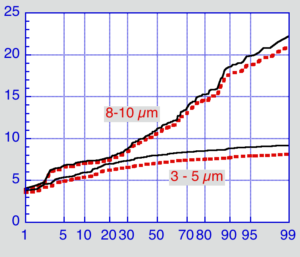
From linear and bar charts to advanced statistical plots, visualize complex data exactly how you want. Overlay multiple datasets on a single graph, plot separate X-Y pairs effortlessly, or generate precision graphs directly from custom equations using the Function Plot.
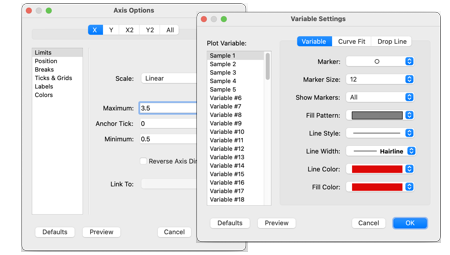
Customizing every detail of your graph is fast and effortless with KaleidaGraph. Fine-tune axis positions, insert axis breaks, and adjust colors, symbols, line styles, and stroke thicknesses. Easily add drop lines, customized error bars, text labels, and annotations anywhere on your plot to tell a clear visual story.
Unlock the full potential of your data with precise, versatile curve fitting. Harness standard Least Squares models, run smoothing fits to elevate your data presentation, or dive into robust nonlinear curve fitting—where you can define custom equations or select from over 100 included equations. Once your analysis is complete, seamlessly export results for further analysis.
Seamlessly copy plots and layouts directly to the clipboard or export them in industry-standard vector and raster formats, including TIFF, JPG, PNG, SVG, and PDF. You have full control over output specifications—customize exact image dimensions and resolution while effortlessly trimming excess whitespace to deliver sharp, publication-ready visuals every time.